
Route replay
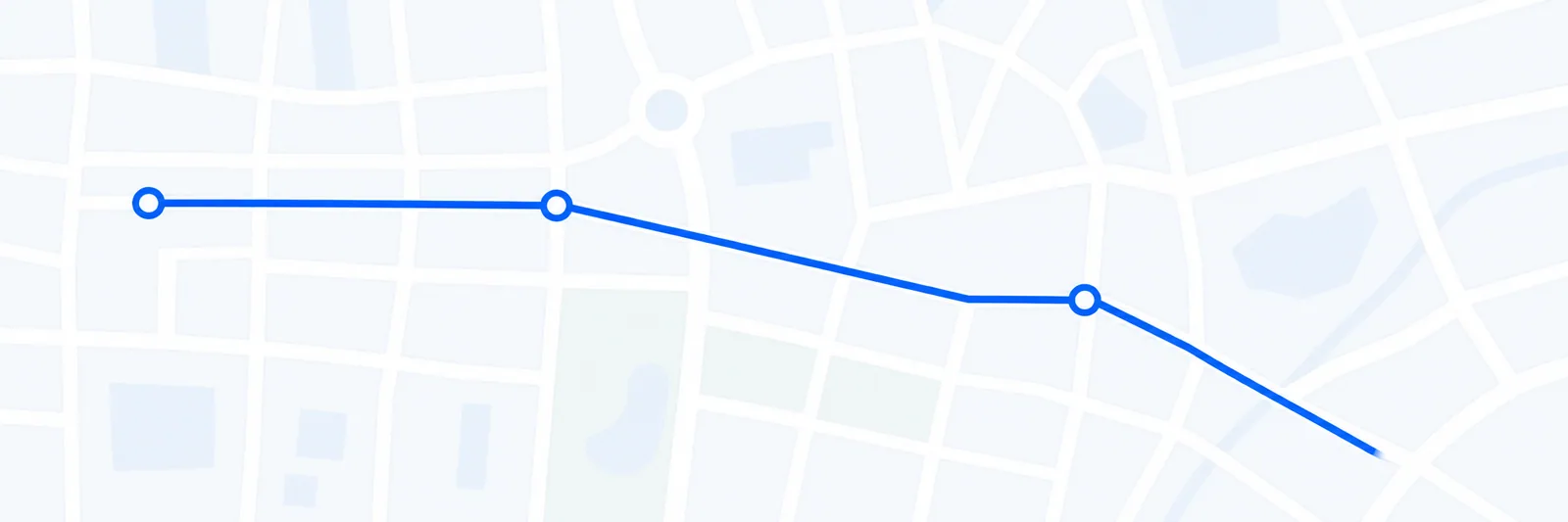
Review the recorded path and positions that make up a completed trip.
Fleet turns recorded vehicle movement into a practical trip history so managers can review routes, stops, time on site, distance, and exceptions without piecing the day together manually.
Customer and driver questions depend on memory after the fact.
Stops and time on site are difficult to verify consistently.
Route exceptions are disconnected from the events that explain them.
Review the recorded path and positions that make up a completed trip.
See start, end, duration, stops, and distance recorded in kilometres.
Connect alerts and driving events to the relevant place in the trip.